Select the country/region, language, and currency you prefer for shopping.
Reviews
Details
Product Q&A
Explore
VEVOR Label Printer 200x79x83mm Thermal Printer 150mm/s Label Printer Shipping Label Printer Direct Thermal Label Printer USB Automatic Label Detection Windows Mac OS Linux Chromebook
Top highlights
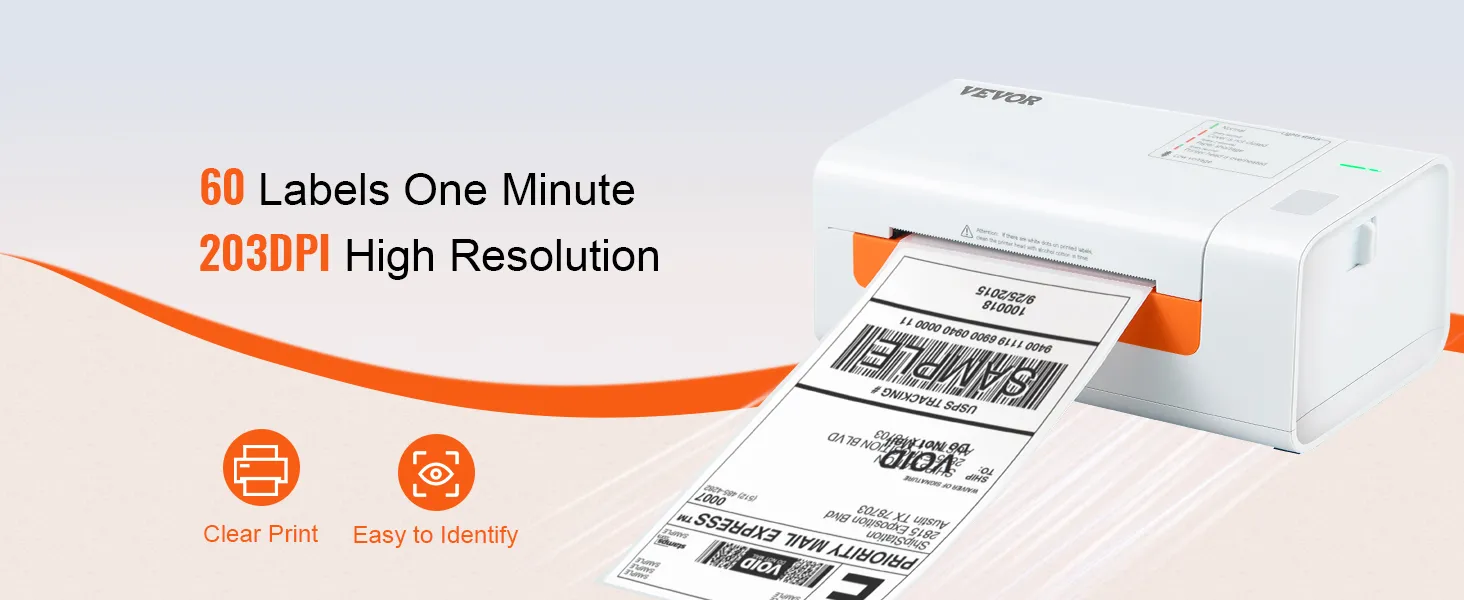
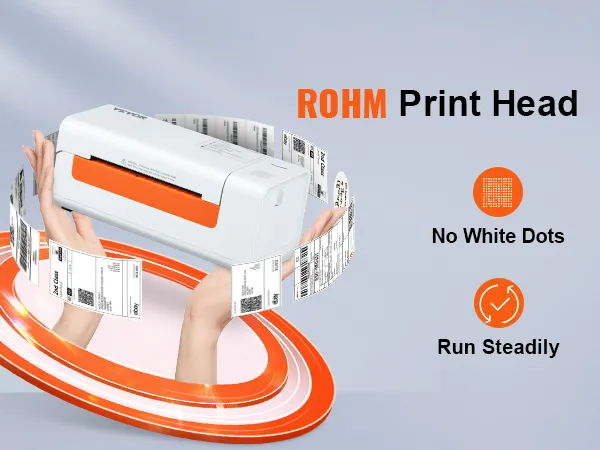
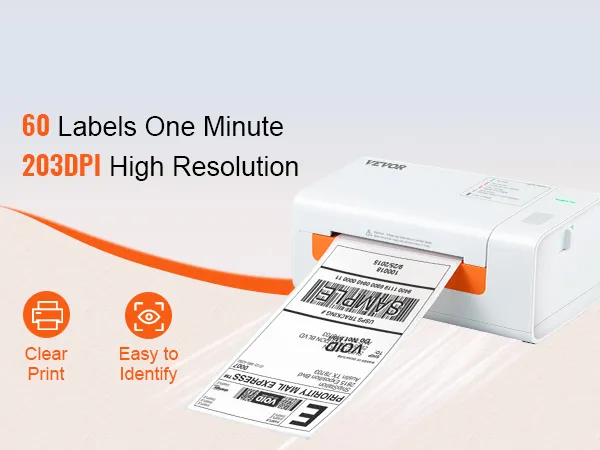
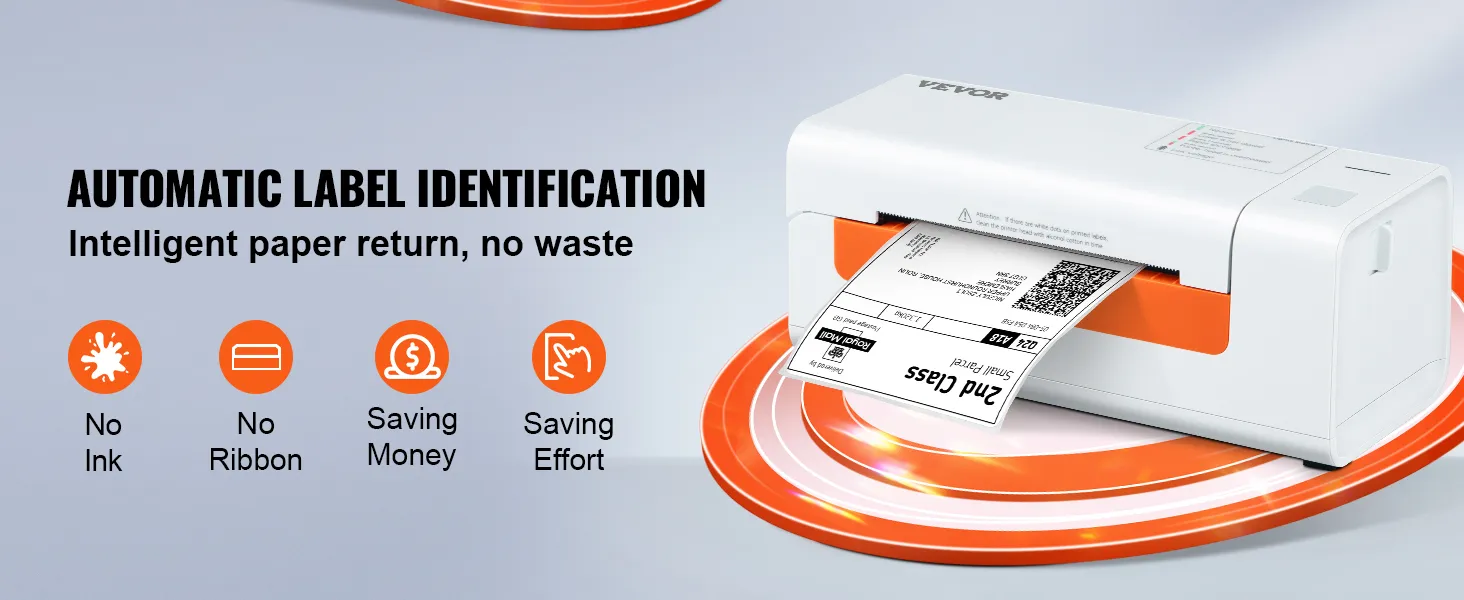
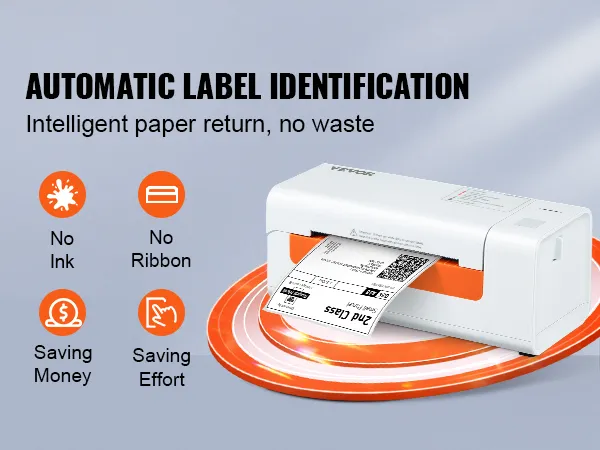
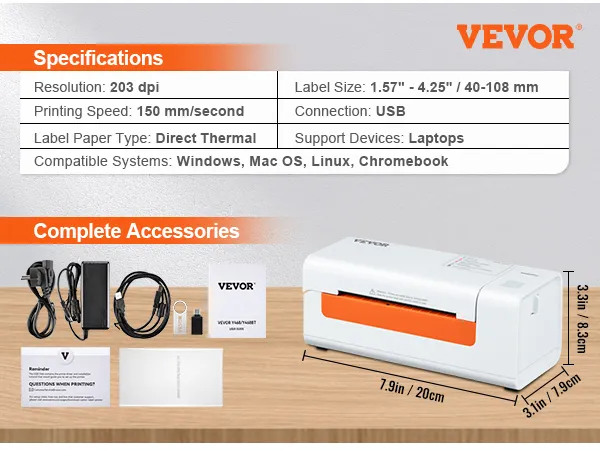
  • 203 DPI high-resolution thermal printing ensures clear, stable labels with no ink or toner needed.
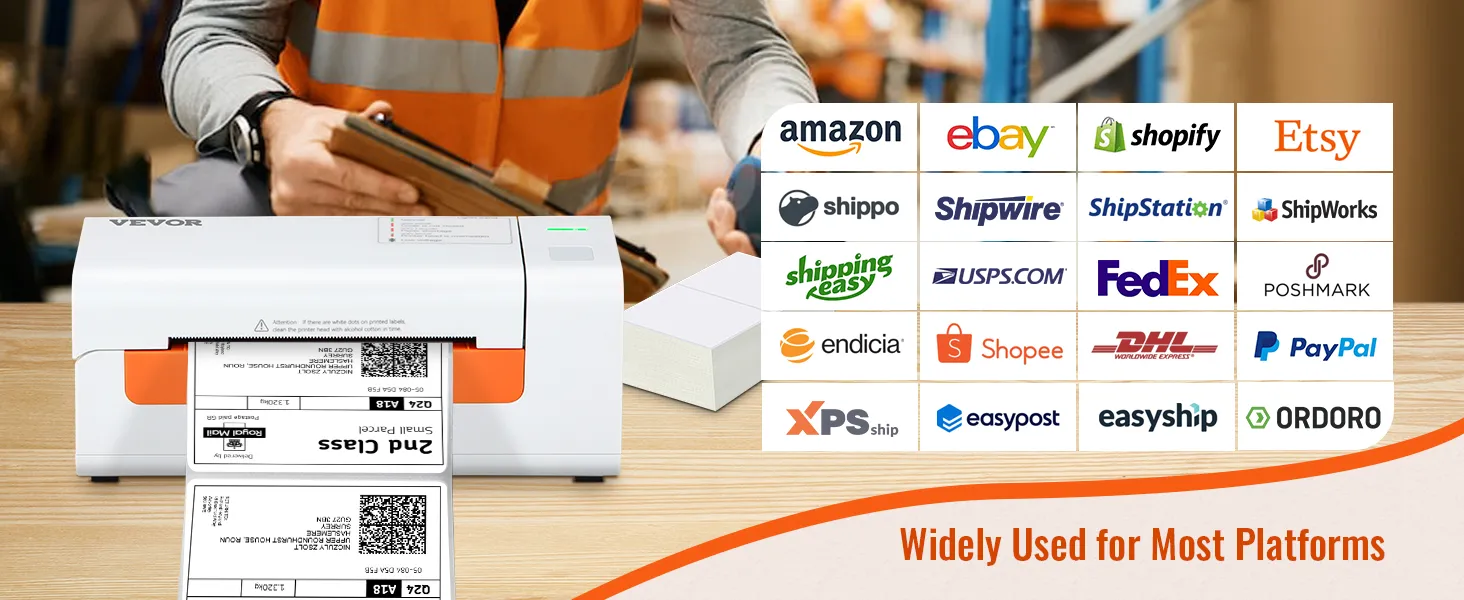
  • Compatible with Windows, Mac OS, Linux, Chromebook, and major e-commerce platforms for seamless integration.
  • 150 mm/s high-speed printing handles up to 3600 labels/hour, boosting efficiency.
AI Summarized from product information
Specifications
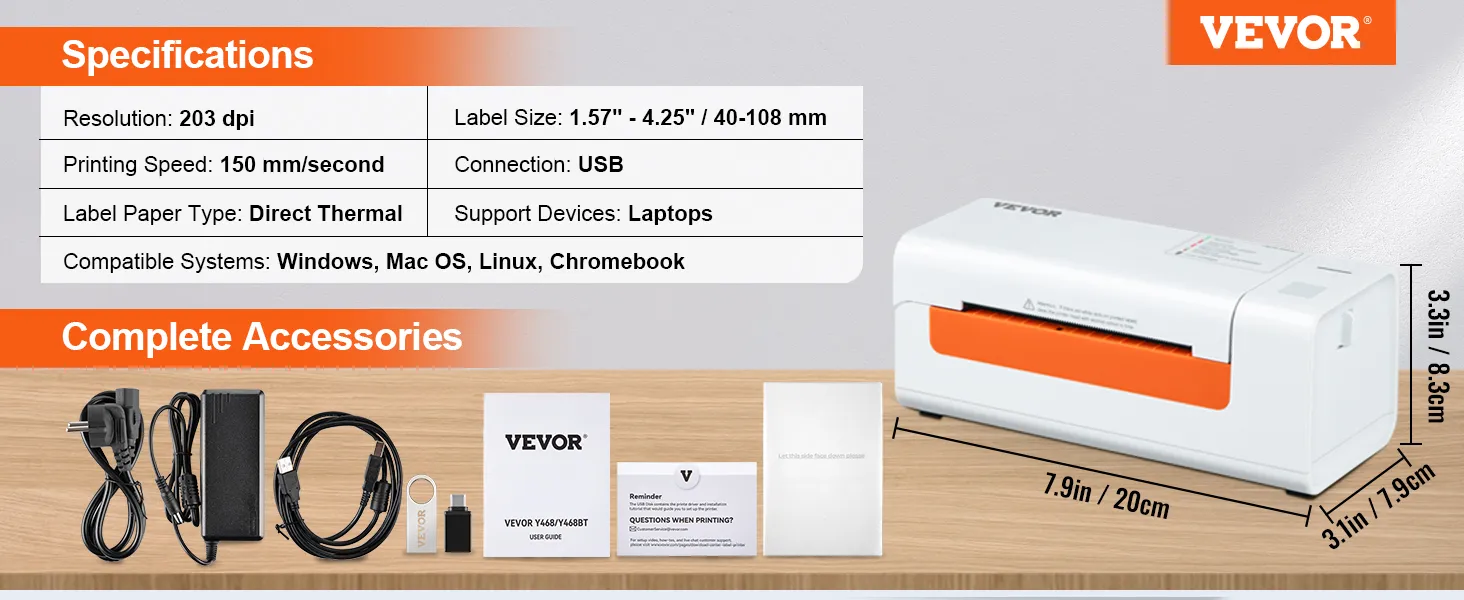
  • Resolution 203 DPI
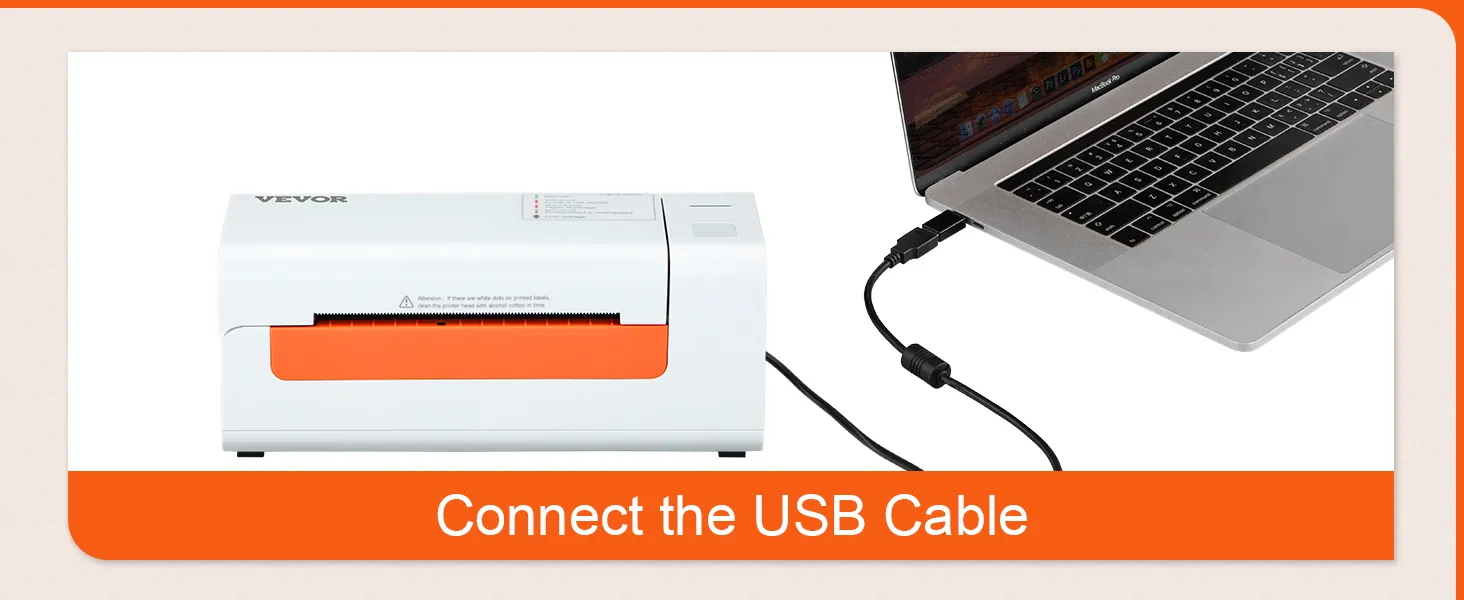
  • Connection USB
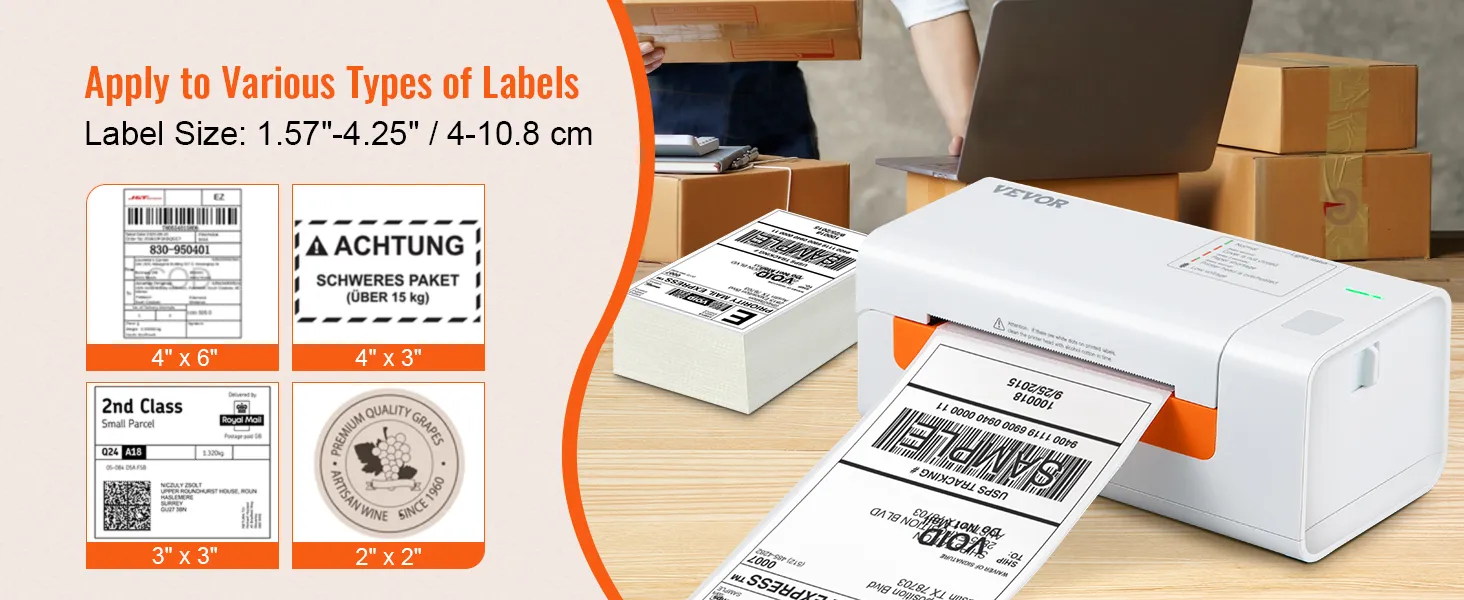
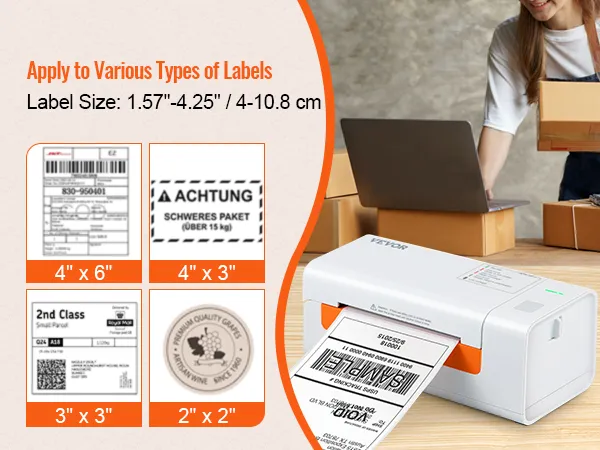
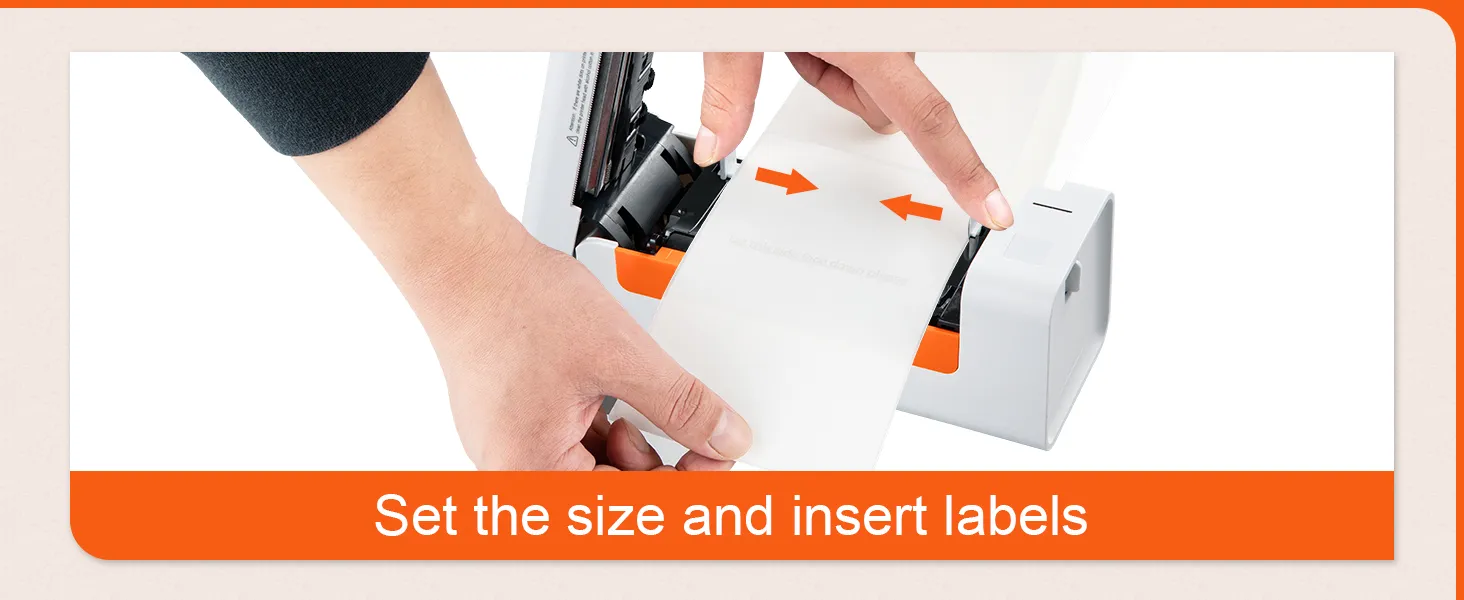
  • Label size 40-108 mm (1.57-4.25 inches)
  • Print speed 150 mm/s (6 ips)
  • Label paper type Thermal direct
  • Supported devices Computers, laptops

Reviews · 4.9

Eric Defossé Eric Defossé
in BE on Sep 27,2026
USB White
Très pratique et vraiment pas cher
Fiete Fiete
in DE on Sep 26,2026
USB White
Das Produkt wurde zum Ausdrucken von Paketaufklebern bestellt und wird auch so genutzt.

About this item

Description
Your ideal assistant for e-commerce & shipping!
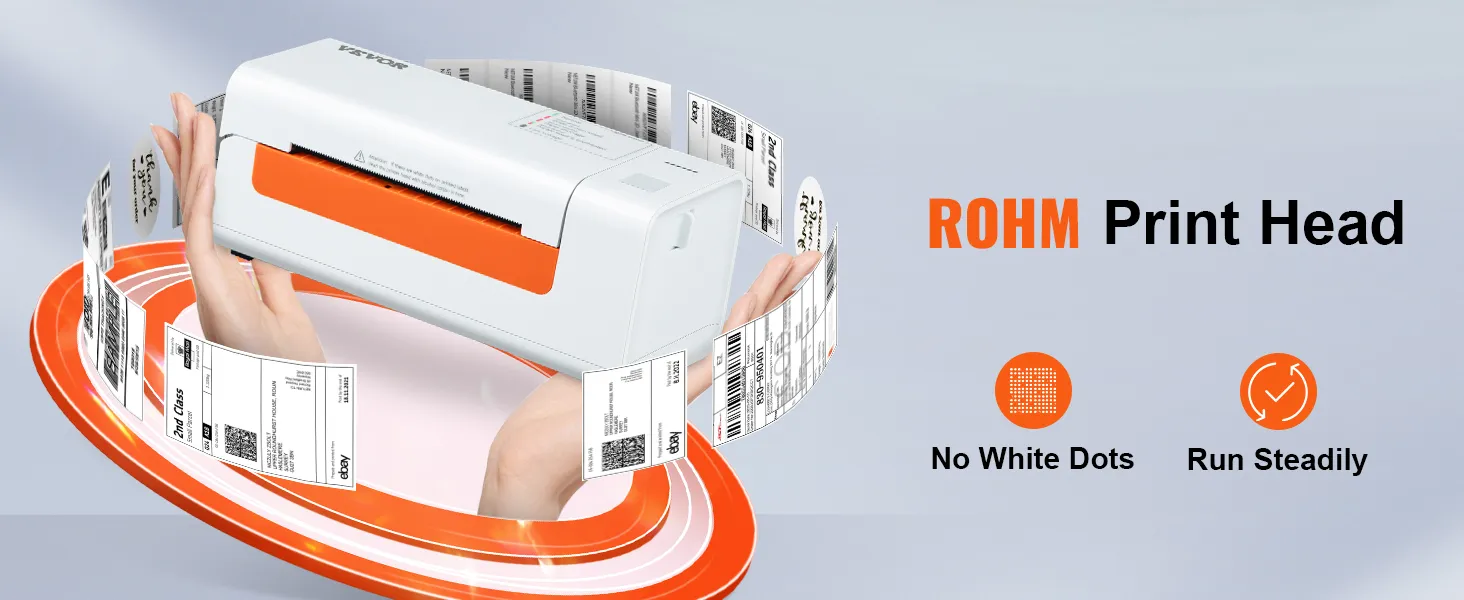
Our label printer uses the latest thermal printing technology, which requires no ink or toner, saving you time and money. It prints at a high speed of 203 dpi and 150 mm/s, producing 3600 labels per hour via USB.
Q: Can it also print color images?
A: No, not all thermal printers can print color images.

Q: Why is it printing a blank page?

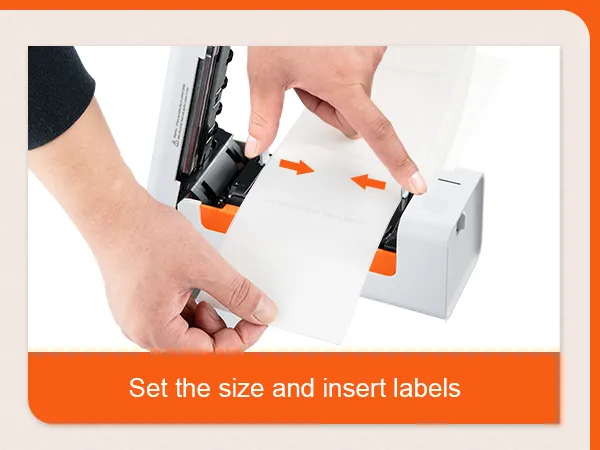
A: Make sure you are using thermal labels and that the labels are correctly aligned with the label facing upwards.


Q: I installed the printer driver for shipping labels. Why can't I print?

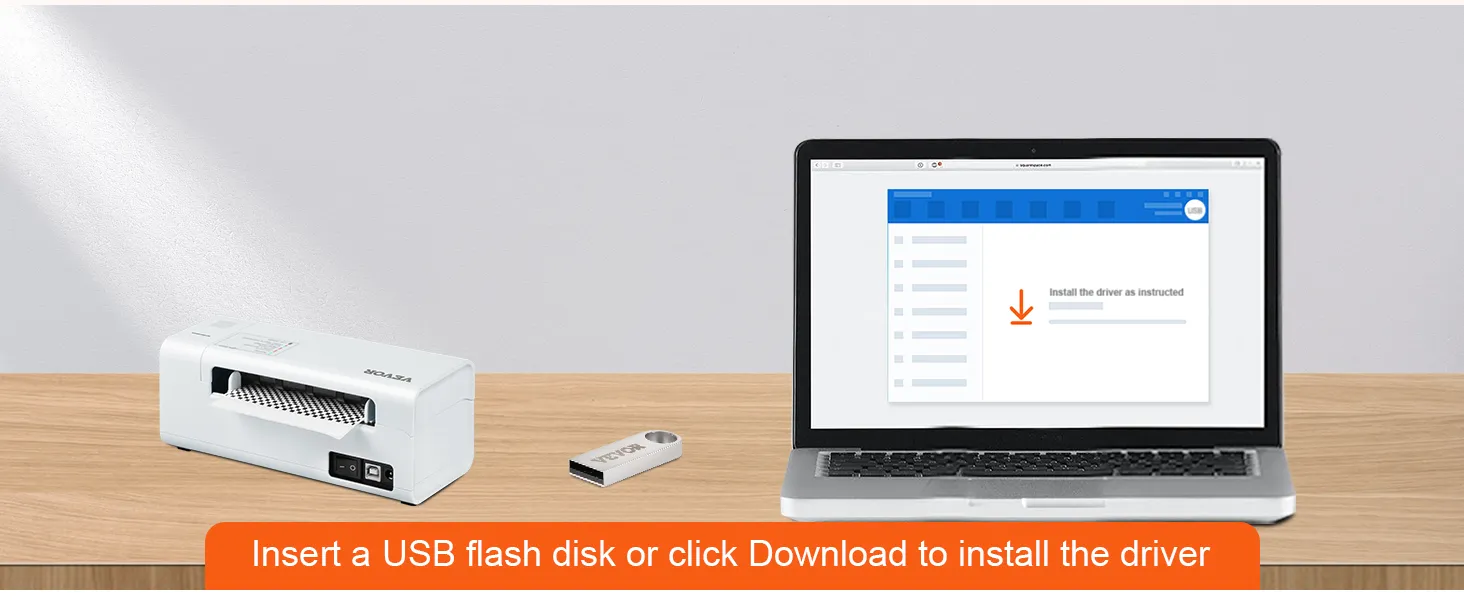
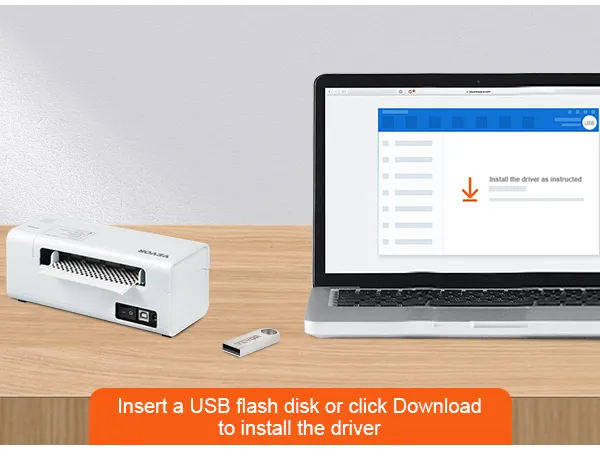
A: The shipping label printer must be turned on and connected to the computer before you install the driver. Uninstall the driver and try installing it again.


Q: How do I calibrate the label printer?
A: Press and hold the feed button until the LED (blue) flashes twice. Release the feed button and the printer will begin calibrating.
Product guides and documents

Frequently Bought Together

VEVOR Label Printer 200x79x83mm Thermal Printer 150mm/s Label Printer Shipping Label Printer Direct Thermal Label Printer USB Automatic Label Detection Windows Mac OS Linux Chromebook

4.9 116
321 90   zł
Get -% off for new user
Each when you buy 0+. Shop
5,00zł off 1st App Order 99,00zł+

In Stock

Compare with similar items

Explore your interests